

- Show personalization and discounts - Display the referrer’s name and discount offer on your website
- Custom referral landing page - Create a dedicated landing page and disable the Cello-hosted page
Show personalization and discounts
~50% higher signup rate When a referred user lands on your website, showing them who referred them and what discount they’re getting makes the offer feel personal. They’re not seeing a generic signup page. They’re seeing a recommendation from someone they know, with a clear incentive to act.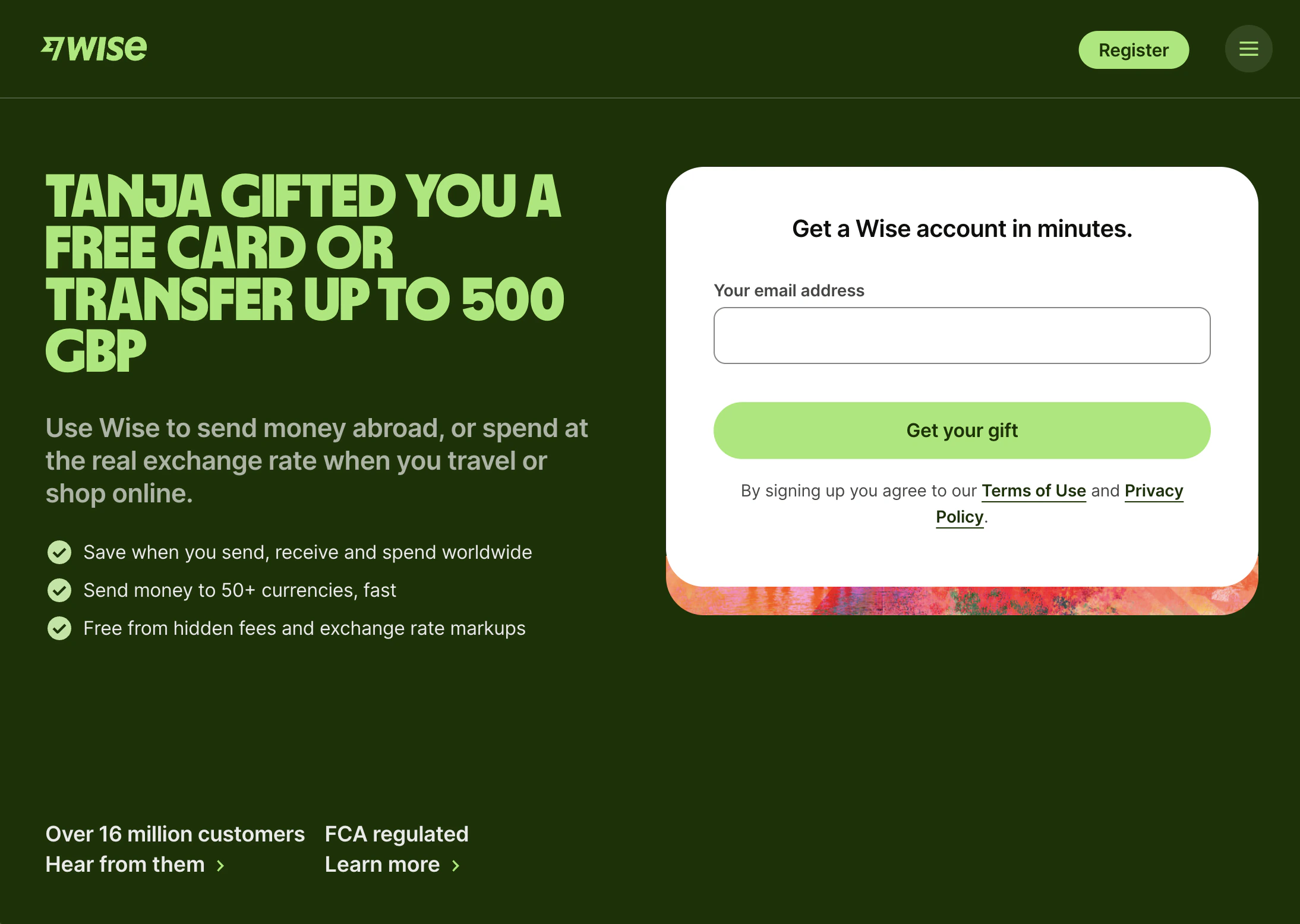
How it works
- Personalization: Referrer names can be integrated into your website or into Cello’s new user banner. The name is provided via the Cello boot inside your product.
- Full integration: Your developer can set up personalization directly in your website based on URL parameters and cookie information provided by Cello.
- New user banner: Cello can activate a banner on your website to display the offer to referred users. Personalization is optional.
- Disable Cello-hosted landing page: The Cello hosted-landing page can be disabled since discount information is displayed on your website. One conversion step is eliminated.
How to implement
Your developer can add personalization in two ways:- Inline personalization: Use the Cello Attribution script to fetch referrer info and display it in your page headlines, banners, or CTAs
- New user banner: Enable the no-code Cello banner that automatically appears for referred visitors
Examples
🔗 VEED referral landing page with personalization 🔗 MeetGeek with personalized new user bannerCustom referral landing page
~2x higher signup rate Instead of sending referred users to the Cello-hosted landing page, send them directly to a page you control. You can tailor the messaging, show your product’s value, and get them to signup without an extra redirect. Fewer steps can lead to less drop-offs.Key building blocks
- Personalized headline - Include the referrer’s name
- New user discount - Make the discount clear and visible
- Hero message - Your key value proposition
- Product visual - Show what the product does
- CTA - Direct signup with the offer highlighted
- Social proof - G2/Capterra badges, Trustpilot, customer logos
- Customer quotes - Real testimonials
- FAQs - Answer common questions
How to set up
- Create your landing page using the building blocks above
- Go to User experience → Landing page in Cello Portal
- Switch to Custom landing page and add your URL