

This feature is available to growth managers in the Cello portal. Your feedback helps us improve - see Providing feedback below.
Prefer to work from your own AI client like Claude? The same data is available through the Cello MCP server.
Using the assistant
The assistant is available in the Cello portal. To get started:- Open the assistant from the portal navigation
- Type your question or select an example from the AI Prompt Library
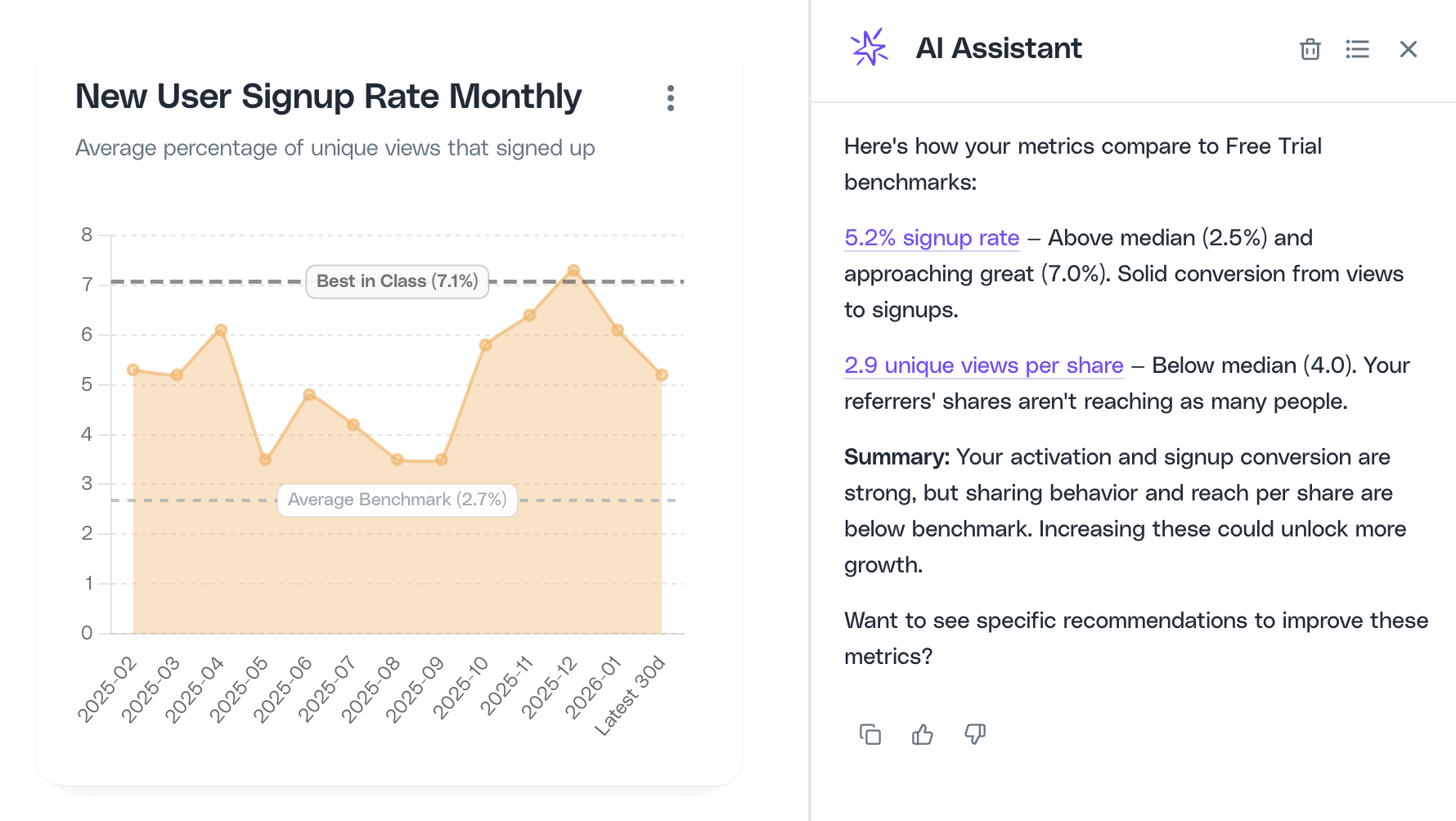
- Review the response - the assistant will link to relevant charts, reports, or settings when applicable
How responses are generated
Responses are grounded in your portal context, Cello metrics, benchmarks (when available), and Cello documentation. The assistant links to relevant charts, reports, or settings so you can verify data and take action quickly.When the assistant can’t help
If the assistant can’t answer a question confidently, it will let you know and help you reach Support so your request is handled quickly.Providing feedback
Your feedback helps us improve quality and coverage:- Rate responses using thumbs up/down to help us understand what’s working
- Share details when something is off - what you asked, what you expected, and a screenshot if possible